Business Cases
Employee process automation
Plan employee process automation for joiners, role changes and leavers with clear owners, approvals, completion evidence and exception routes.
Employee process automation coordinates the work triggered when someone joins, changes role or leaves an organisation. The useful outcome is a person with the right equipment and approved access at the right time, plus a clear record of what was completed. Sending a request automatically is only the start; each responsible team must confirm its result.
A practical workflow starts with a trusted employment event, creates the relevant tasks, assigns owners and due times, then checks completion. HR usually owns the employment facts, a manager confirms role needs, IT acts on accounts and equipment, and application or facilities owners handle the resources they control. Name one person who can resolve a case that crosses those teams.
Start with the event and its effective time
Record the employee’s unique identifier, event type, effective date and time, location or working arrangement, manager, and approved role, and check these details before creating tasks. A changed start date should update the existing case rather than open a second one. A role move needs its own route: adding new access without reviewing old access leaves permissions that no longer fit the job.
Treat notice of a departure and the time access should end as separate facts. Equipment collection may happen later, while access removal may be time critical. Where an effective time is uncertain, send the case to an authorised person to resolve it; do not let an automation guess from a blank field.
Keep one authority for employee identity facts
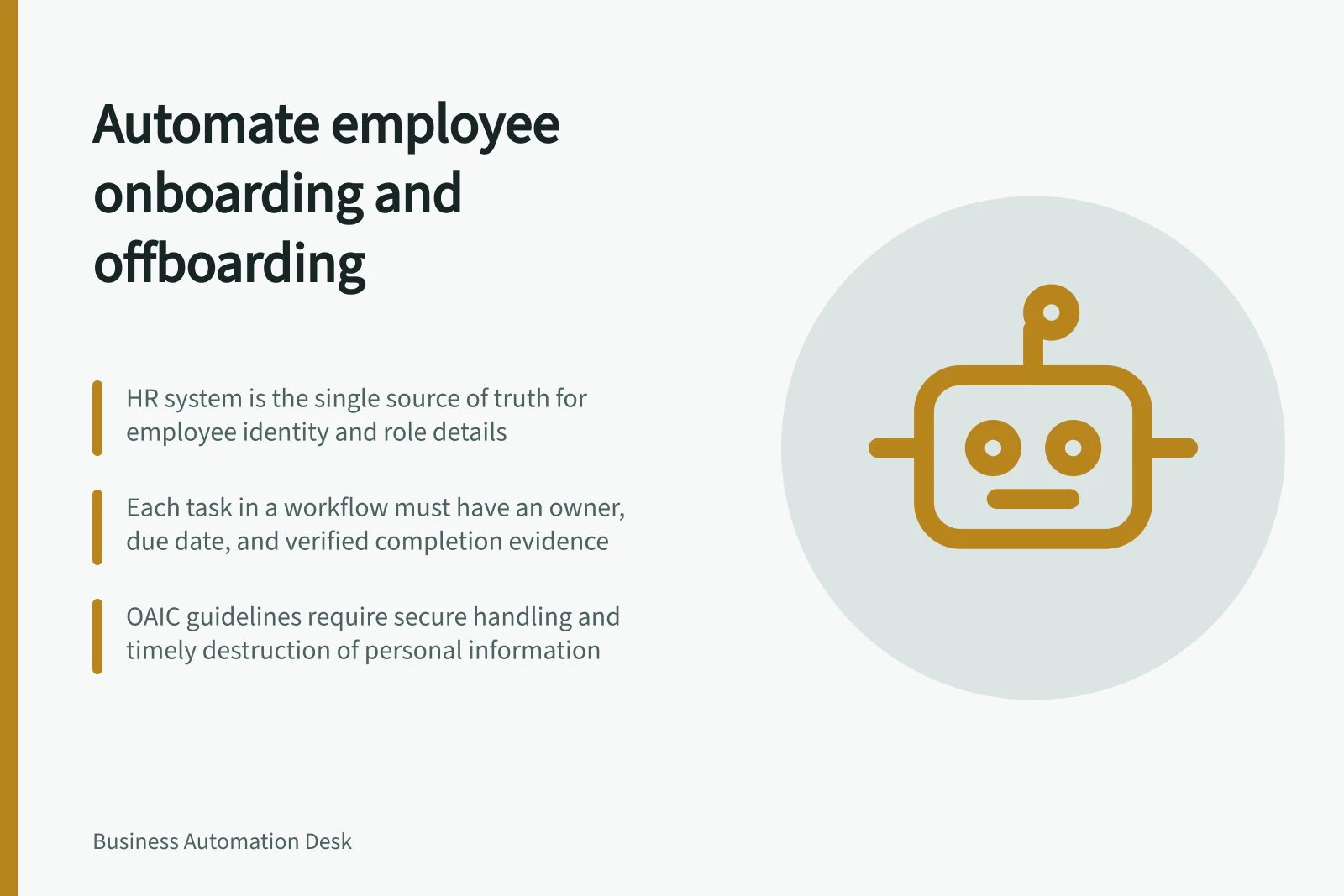
Choose the HR system that is authoritative for employee identity and lifecycle facts, then define how updates flow from it into downstream identity and application processes. This stops separate teams or systems acting on different versions of a person’s role, manager or employment status.
Microsoft’s deployment guide describes HR-driven provisioning in which the HR system is the source of authority: employee records create digital identities, and later record updates update the identity account and supporting software-as-a-service applications. For a workflow using this pattern, map the relevant attributes and test that a changed record produces the intended downstream update, rather than assuming a successful HR change has propagated.
Route work by responsibility
A joiner case might include an account, approved application access, a device, a building pass and a first-day check. A leaver case might include access suspension, application-specific removal, recovery of equipment and a decision about business records. Each task needs an owner, an expected result and evidence that the result occurred.
| Task | Useful completion evidence | Question if it stalls |
|---|---|---|
| Account or application access | Result from the relevant system, checked against the requested identity and access level | Is the action pending, failed or completed for the wrong person? |
| Equipment | Asset record and handover or return acknowledgement | Who has the device, and when will it be accounted for? |
| Physical access | Confirmation from the access owner | Is a pass still active even though the request is closed? |
| Case closure | Review of all required tasks and exceptions | Which open item has an authorised next step? |
Keep these results distinct. A service desk ticket marked complete may mean a technician submitted a request; it does not necessarily mean an application removed access. A courier booking does not establish that a laptop was returned. Use a state such as pending verification until the relevant owner or system confirms the outcome.
Verification Evidence for Key Tasks
- Account/Application AccessSystem-generated confirmation of access granted/reviewed for correct user and level
- EquipmentAsset record with handover or return acknowledgement from employee or supervisor
- Physical AccessConfirmation from building or security system owner that pass is revoked or updated
- Case ClosureReview of all tasks and exceptions with ownership and next steps assigned
Set approval and exception rules
Routine tasks can be generated from an approved role profile. Additional access, privileged accounts and unusual retention or transfer of resources need an identified approver. The record should show who authorised a sensitive change and who carried it out. Avoid giving a workflow broad permissions simply to remove a manual handoff.
Define what happens when an application is unavailable, an employee changes plans, a device cannot be found or a manager disputes the requested access. An exception should have an owner, a reason, a next action and a review time. For leavers, route an unfinished access action promptly to the person who can contain the risk; do not wait for the whole case to reach its ordinary due date.
Govern information through the lifecycle
Lifecycle cases can contain personal information as well as operational task details. The OAIC’s Guide to securing personal information describes reasonable steps under the Privacy Act 1988 (Cth) to protect information from misuse, interference, loss, and unauthorised access, modification or disclosure. It also addresses destroying or de-identifying information once it is no longer needed, unless an exception applies.
The OAIC notes that technical and organisational measures are among the reasonable steps for securing personal information under APP 11.3. That subclause applies to information held after 11 December 2024, whether the information was acquired or created before or after that date. Consider these controls when setting workflow permissions, handling case records and deciding how long records remain available.
The OAIC guide is guidance and is not legally binding. The OAIC says entities covered by the Privacy Act should read it alongside the Australian Privacy Principles guidelines, which outline the mandatory APP requirements and how the OAIC interprets them. Use the relevant guidance to inform control design, while determining which requirements apply to the organisation’s circumstances.
Verify the outcome and improve the process
Before launch, walk through a normal joiner, a changed start date, a role move, a same-day departure and a failed removal using fictional records. Check the intended recipient, timing, approval and completion evidence for each task.
After launch, review overdue tasks, failed actions, duplicate cases and cases closed with exceptions. Sample completed cases against the underlying account and asset records. Measure the elapsed time from a valid request to a verified result, rather than counting emails sent or tasks created.
At case closure, confirm each task has a verified result or a documented exception with an owner and next action.
Key Compliance & Efficiency Metrics
- 5%Overdue Tasks Rate
- 11.3Records Retention Compliance
Pre-Launch Validation Checklist
- Test joiner case with valid dataVerify task assignment, timing, and evidence collection
- Simulate changed start dateEnsure existing case updates, not duplicate creation
- Test role move with new accessConfirm old access is reviewed, not retained automatically
- Run same-day departure scenarioValidate immediate access removal and equipment tracking
- Fail access removal testEnsure exception is routed promptly, not delayed
In this guide
- Coordinating joiner and leaver requestsUse a single event case to coordinate joiner and leaver requests, route owned tasks, handle date changes and confirm outcomes.
- Checking completion across equipment and access tasksVerify employee equipment and access tasks using outcome evidence, clear status meanings and a final case reconciliation.
- Escalating an incomplete employee offboarding actionEscalate an unfinished offboarding task with the affected resource, observed state, action owner and evidence needed to close it.
- Recording responsibility for sensitive account changesDocument the requester, approver, executor and verifier for sensitive account changes, including exceptions and automation rule versions.