Quality Assurance
Part of Automation quality assurance
Checking whether an automation creates duplicate work
Trace business items through retries, manual handoffs and destination records to find unintended duplicate actions and tasks.
To check for duplicate work, match each eligible business item to the actions, human tasks and destination records it produced. Two software runs are a warning; two unintended actions for one item are the business problem. A single run can also create more than one task.
Define one intended item
Choose a stable business reference, such as a request ID, and state the action it should cause. Specify when a second action is legitimate. A customer may submit two distinct requests, or an approved amendment may need another event. Matching a name or amount alone can mistake those cases for duplicates.
Trace that reference through the trigger, queue, automation attempts, manual handoffs and destination. Where systems use different IDs, document the join and inspect sample histories. Keep items whose identity cannot be established separate from confirmed matches.
Check automated and human work
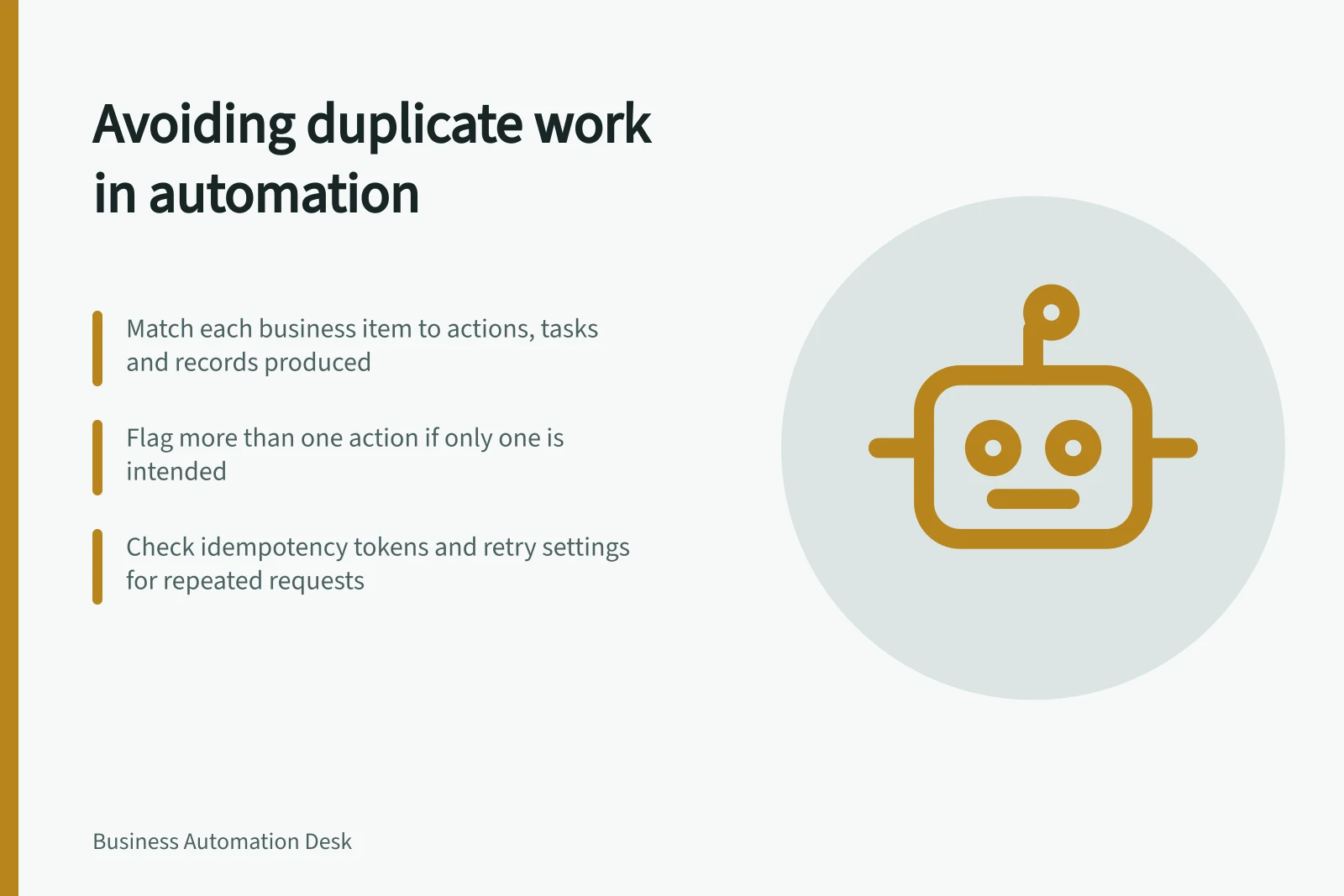
For each eligible source item, look for resulting records, notifications and tasks. Flag more than one action where the rule permits one. Inspect each flag to distinguish an unintended repeat from a legitimate amendment or a false match. Ask the receiving team about repeated human tasks that a destination-record count might miss.
Investigate plausible entry points: the same item arriving through two channels, a trigger firing after an edit, a message being delivered again, a timeout followed by a retry, or a person completing work that remains queued for automation. These are prompts to check, not findings about a particular workflow.
An idempotency token or equivalent destination control can help a service recognise a repeated request. Check whether the chosen key represents the intended business action, whether every route uses it, how long its state is retained and whether concurrent requests are handled safely. A retry setting or successful run status does not establish that protection.
Challenge an uncertain result
With safe records, plan a case in which a destination accepts a write but the automation receives no confirmation. Check whether the item is held, whether the destination can be searched by business reference and what a replay would do. Also check two permitted entry routes for the same source item. Record the destination state as well as the automation history.
Before replaying live work, establish which actions have already happened and whether processing is still pending. Give an unresolved item to an authorised owner.
Report a useful measure
For a stated period, report cases with a confirmed unintended repeated action ÷ eligible cases whose outcomes were checked. Show both counts, the systems and types of action checked, and the number of eligible cases left unverified. Count a case once in this rate even if it caused several repeats; report extra actions separately if workload matters. Review apparent matches before treating them as confirmed duplicates.
After a fix, recheck the same entry and recovery routes, including manual work. The result to verify is the absence of an unintended repeated effect and the repair work it would create.
Duplicate Work Detection Metrics
- Confirmed unintended repeated actions
- Count over stated period
- Eligible cases checked
- Total number of cases reviewed
- Duplicate detection rate
- Confirmed unintended repeats ÷ Eligible cases checked
- Unverified cases
- Number of eligible cases not yet checked