Quality Assurance
Part of Automation quality assurance
Testing exceptions before a process goes live
Build safe exception cases and check the held state, owner, destination result and route to resolution before an automation goes live.
Test an exception by giving the proposed automation a safe case that cannot follow its normal route. Then check its held state, owner, next action and eventual result. An error alert alone does not show that the business item is safe or recoverable.
Build cases from the rule
Start with an included case type and its expected result. Ask the process owner where it may leave the normal path. Choose conditions that require different responses: missing information, conflicting values, an approval that has not arrived, a destination rejection and an action whose result is uncertain. Give a legitimate alternative branch its own expected outcome; it need not be labelled a fault.
For each case, record the input, applicable rule version, expected route and actions that must remain blocked. Use fictional or otherwise authorised records where messages and writes can be controlled. If a mock response reaches a branch, label it a branch check. Check the real connection separately before relying on its behaviour.
| Condition to simulate | What to check |
|---|---|
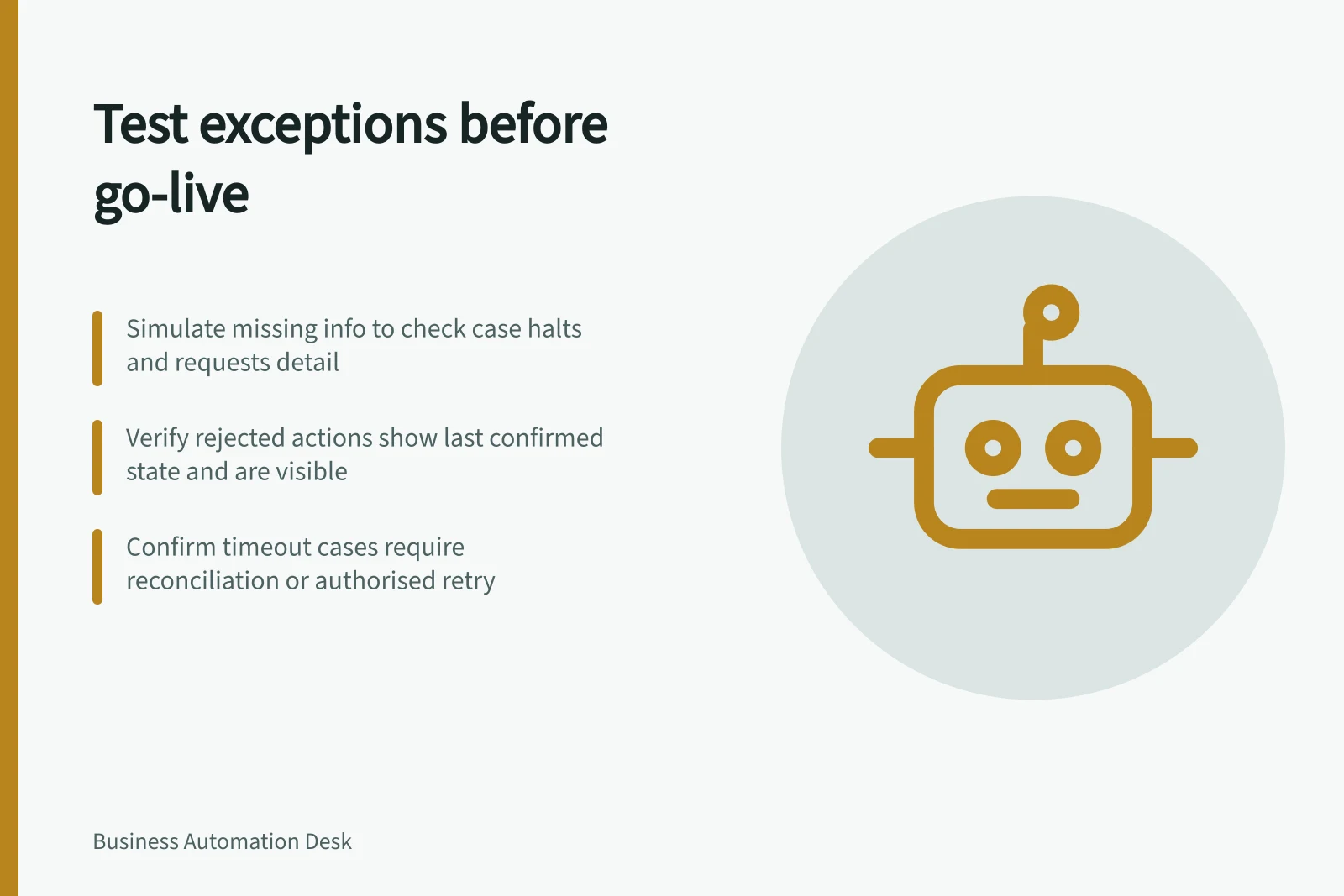
| Required detail absent | The case requests that detail and does not advance to the decision |
| Values conflict | The discrepancy reaches someone authorised to resolve it |
| Approver unavailable | The case remains pending or follows an authorised backup route |
| Destination rejects the action | The failed item is visible with its last confirmed state |
| Response times out after submission | The destination state is investigated before recovery or retry |
The expected response depends on the organisation’s rules and the consequence of an error.
Follow the whole exception route
Find the case in the queue its owner actually uses. Check that the handoff gives the business reference, attempted action, observed response, work on hold and permitted next steps. Then follow the case through repair, an authorised alternative decision or closure.
A replacement input may require earlier checks to run again. A declined or withdrawn case should have a recorded outcome.
A timeout after submission does not establish whether a write happened. Search the destination by business reference and check for an in-progress action where the systems permit it. A confirmed record calls for reconciliation.
Even when no record is found, consider delayed processing and the destination’s duplicate controls before an authorised retry. If the state cannot be established, keep the item held for a named decision maker.
Set a release condition
Keep a compact test record: case reference, expected state, observed state, destination evidence, owner, discrepancy and resolution. Recheck a changed branch after a fix. The process owner decides whether a remaining defect affects the proposed release scope.
An included case type is ready for a bounded launch when its material departures can be detected, assigned and resolved or safely held. Exclude a case type whose exception has no safe route until that route is settled.