Business Cases
Document-heavy process automation
Plan a document-heavy workflow from receipt and extraction to human decisions, exceptions and a verified business result.
Document-heavy process automation moves a document from receipt to a verified business result. Define that result and the decisions people must make before choosing how to read or extract the document.
Faster extraction has limited value if missing evidence or an unresolved approval leaves the case waiting elsewhere.
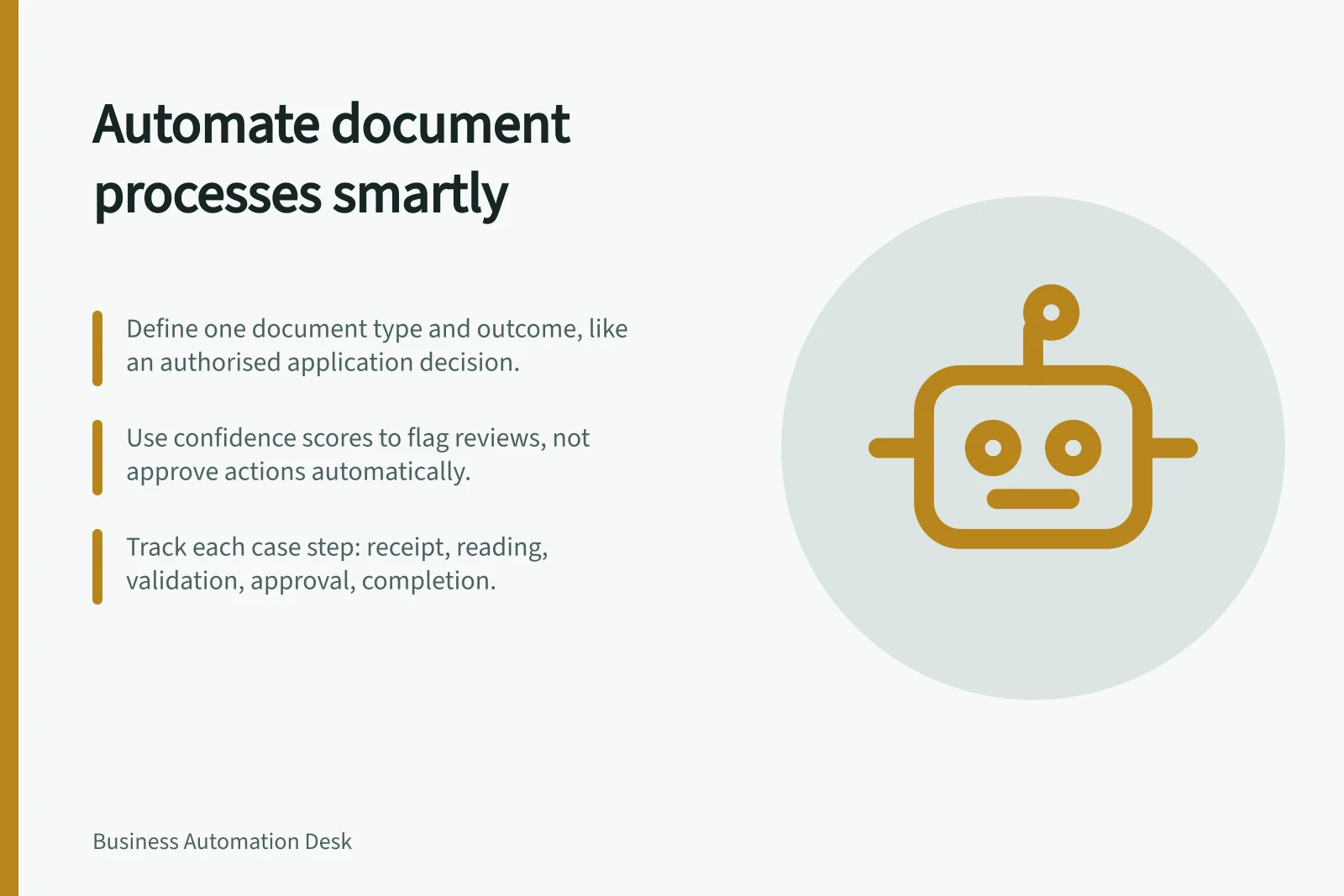
Start with one document type and one outcome, such as an application reaching an authorised decision. The process owner must define the required evidence, decision rules and acceptable result for the actual case type.
Follow the document and the case
Record how the document arrives, when it arrives and how it is linked to a case. Check whether it can be opened, whether its pages belong together and whether it contains the material needed for the next step. Then trace classification, text recognition, field extraction, validation, business decision and the recorded result.
Text recognition reads characters; classification identifies a document type; extraction proposes values for named fields.
Validation checks those values against the submitted document or another authorised source. Business approval determines whether a defined action is permitted. Accurate transcription alone does not establish that the document is genuine, the case is eligible or an action is authorised.
| Stage | Question | Possible route |
|---|---|---|
| Receipt | What arrived, and can it be linked to a case? | Register it or investigate an unusable or unmatched item |
| Reading and extraction | What type of document is it, and what values appear? | Continue or review an uncertain type or value |
| Completeness and validation | Is the required material present, and have relevant values been checked? | Continue or request a specific repair |
| Business decision | Does an authorised rule or person permit the action? | Approve, decline, return or escalate |
| Completion | Did the permitted action produce the intended result? | Close with evidence or keep the case open |
Set the routine route and its limits
Allow a case to proceed automatically only where the document type, required information, rule and downstream action are clear. Define how the result will be checked in the receiving system. Give unreadable pages, conflicting values, unfamiliar documents and decisions requiring judgement their own routes.
An extraction confidence score may help select fields for review. It does not prove that a value is true or grant business approval.
Set review rules using representative documents and the consequence of an error. Keep the submitted document available so a reviewer can see the basis for a correction.
Keep unresolved items visible
Distinguish an unreadable file, missing material, an uncertain value and a decision awaiting approval. Each state needs an owner and a next action. When a replacement arrives, link it to the existing case and repeat the checks affected by the change.
If an update to another system has an unclear result, check that system by the case reference before repeating the action. Keep the case open until its result is established.
Use confidence as a review signal, not a result
A field confidence score is an estimated probability, expressed from 0 to 1, that a prediction is correct; a score of 0.95 represents an estimate that the prediction is likely correct 19 times out of 20. Scores may be returned for predicted words, key-value pairs, selection marks, regions and signatures, but not every field necessarily has one.
Check reading confidence separately from extraction confidence. In Microsoft Document Intelligence results, read confidence and key-value extraction confidence are distinct: inspect the readResults and pageResults outputs rather than treating one score as a proxy for the other.
In accuracy-critical work, confidence can help decide whether to accept a prediction automatically or send it for human review. Set that gate against the consequence of an incorrect prediction, and verify it against labelled values: an estimated model accuracy is not the same thing as confidence in an individual case.
Confidence scores in document processing: read vs. extraction
- Read confidence
- Measures accuracy of text recognition per page
- Extraction confidence
- Measures accuracy of field value prediction (e.g., invoice amount)
Connect model checks to route checks
When read confidence is low, input document quality is a relevant check; when extraction confidence is low, check whether the documents being analysed are of the same type. These signals can help identify which stage needs attention without treating every uncertain output as the same exception.
For custom models, test with forms whose fields contain different values, and consider whether the training set is large enough. Estimated accuracy is based on combinations of training data used to predict labelled values, so retain those labelled comparisons as evidence when assessing whether the route is ready to handle cases automatically.
Assess the complete route
For a bounded trial, include routine documents, poor scans, incomplete submissions, unfamiliar layouts and cases needing a person’s decision. Compare the submitted document, proposed values, corrections, decision and downstream result.
Measure time from receipt to the agreed outcome alongside active review and correction time. Include returns, unresolved cases and work done by receiving teams. A high share of documents processed without field review is useful only when the resulting cases are correct and their business outcomes are confirmed.
Key performance indicators for automated document processing
- Documents processed without review
- High percentage only if outcomes are correct
- Time from receipt to outcome
- Measured across all stages including reviews
- Unresolved cases
- Must be tracked and visible until closed
In this guide
- Mapping the steps in document intakeMap document receipt, case matching, preparation and handoffs so unusable or unmatched submissions stay visible.
- Separating data extraction from business approvalKeep proposed fields, checked information, approval and execution as distinct states in a document workflow.
- Handling unreadable or incomplete documentsTriage poor scans, missing pages and ambiguous values with a clear repair request, case owner and recheck.
- Measuring correction work after automated processingCount document corrections, active repair time and downstream rework with consistent denominators and case references.