RPA Operations
Part of Automation governance
Keeping an inventory of live automations
Choose what belongs in an automation inventory, record useful ownership and dependency fields, and reconcile the view with live systems.
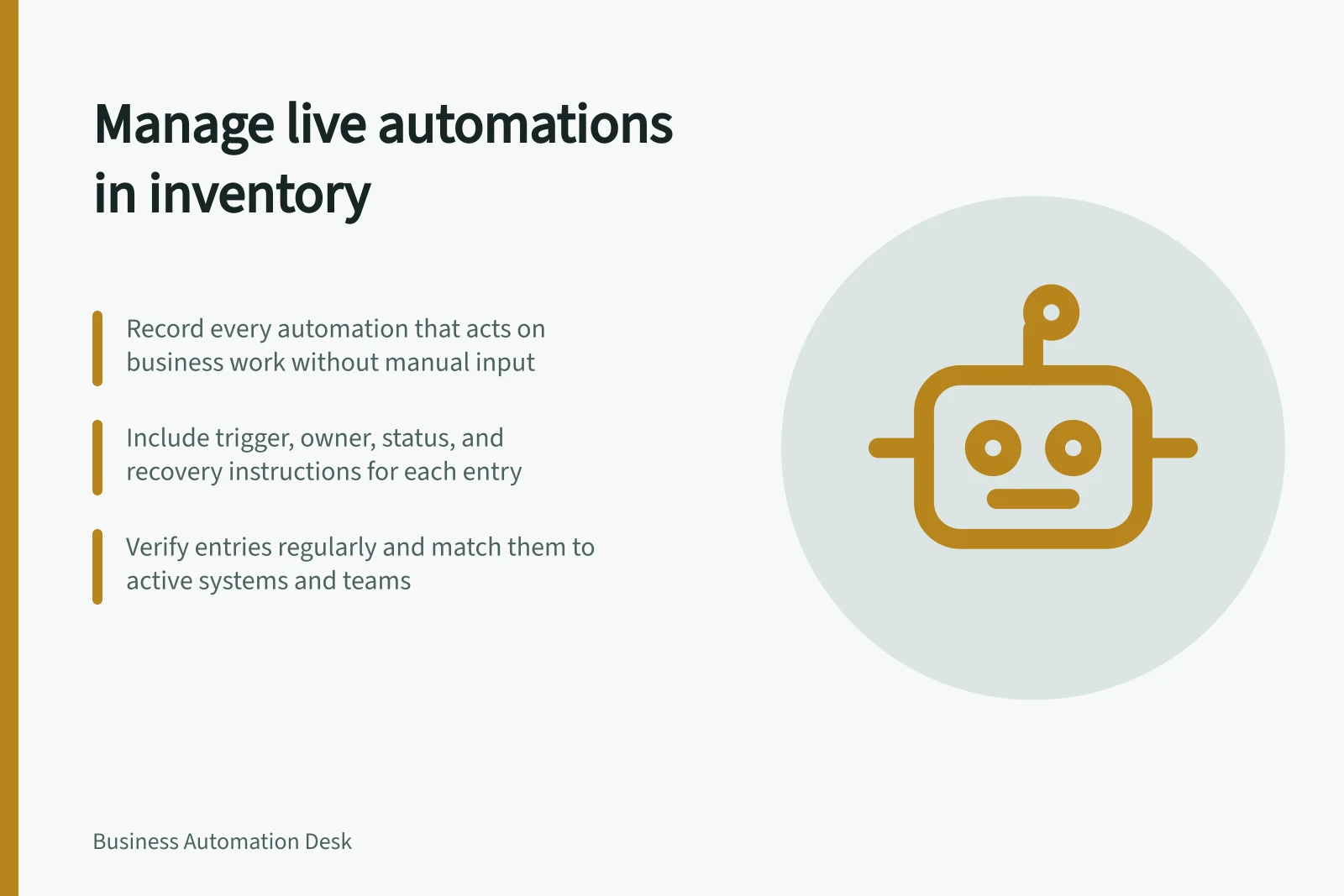
Maintain an authoritative view of automations that can act on business work. An owner should see what runs, where, under whose authority, and how to find its rule and recovery instructions. The view may link records in different systems, provided its fields have clear owners and stay current.
Decide what gets an entry
Include a workflow, bot, scheduled script or configured rule when it can move a case, change a record, send a communication or make or recommend a business decision without a person repeating that action manually. Include team-built and supplier-operated automations that act on the organisation’s work. Mark non-production instances separately so they cannot be mistaken for live services.
Give a distinct entry to an automation with its own trigger, owner or stop decision. Small steps released and stopped together may share an entry. Record related flows and dependencies without counting the same action twice.
Record fields people will use
Field / Why it belongs
- Stable ID, purpose and business result
- Identifies the automation and intended outcome
- Business and technical owners, plus deputies
- Gives changes and incidents a decision maker
- Status and environment
- Separates live, paused, testing and retired instances
- Trigger and run location
- Helps find what can start new work
- Source and destination systems
- Shows where to check inputs and results
- Current rule or workflow version
- Identifies what produced an outcome
- Service identity and dependencies
- Helps assess access and connected-system changes
- Exception and stop instructions
- Shows where unfinished work is held and recovered
The inventory need not copy credentials, personal case data or every configuration detail. Link to controlled records instead. Add a verification date and the person who confirmed the entry.
Update and reconcile the view
Create an entry before production release. At each approved change, update the fields and linked instructions affected. Mark a pause with its reason and next review date.
On retirement, record what happened to queued work and linked identities. Retain the historical entry under the organisation’s record rules.
Compare the view periodically with enabled flows, schedules, service identities and teams receiving outputs. Ask owners whether the recorded purpose and result still match actual use. A copied workflow, orphaned schedule or departed owner is an investigation item, not proof that the inventory is complete or wrong in every respect.
Check usefulness with one incident question
Choose one live entry: who can stop new starts, what work might already be running, where its result is checked, and who handles unfinished cases. If answering requires several people’s memories, improve the entry or its linked instructions.